


All Video Downloader & Player
4.530.28K Reviews
App Specs
- Version
- 1.9.5
- Updated On
- License
- Free
- Downloads
- 100,000,000+
- Developer
- QR Code Scanner.
- Categories
- Tools
- Platform
- Android, iOS
Screenshots
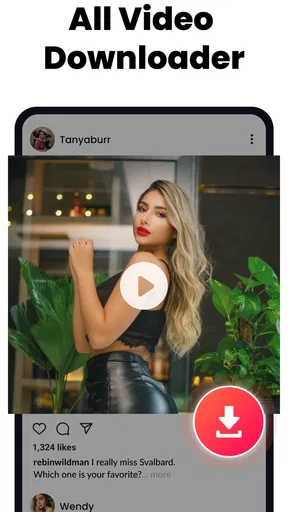
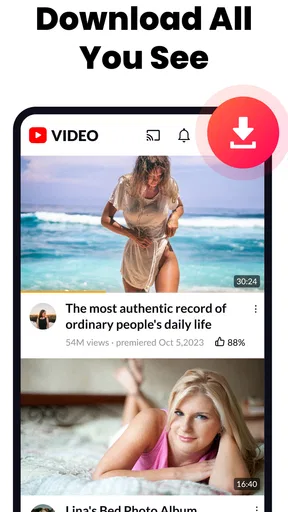
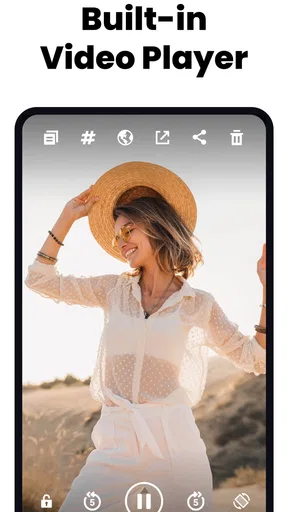
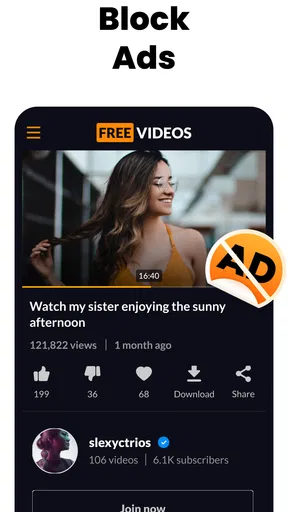
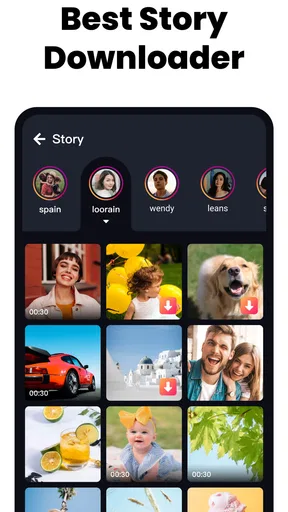
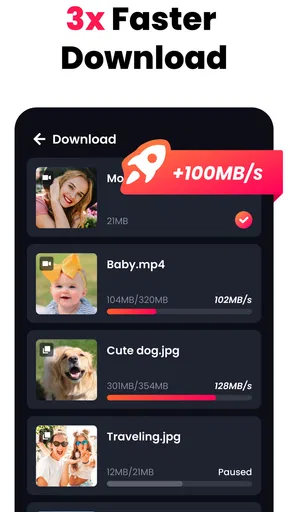
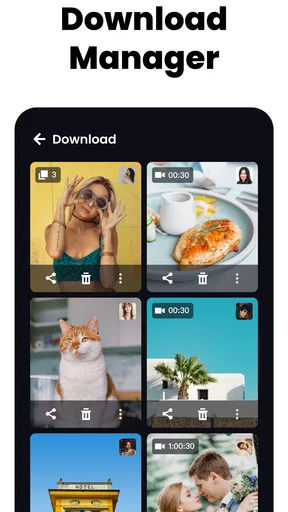
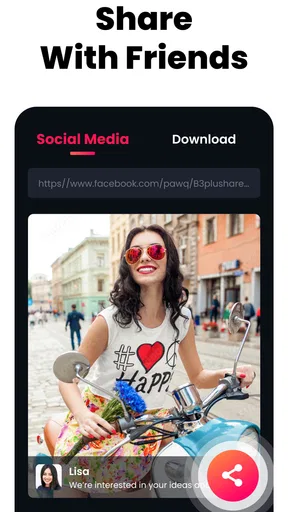
 Analysis by AppCompare
The main appeal of All Video Downloader & Player is the idea of keeping video playback and downloads together, rather than juggling a separate player and a browser. I find that most useful when I want to save a video I’m allowed to keep and watch it later without searching through several apps. That convenience is the center of the experience; it matters more than a long list of format claims or a promise of speed.
It’s a free tools app from QR Code Scanner, and its focus is clear: handling video files and playback in one place. It has a 4.5 average from around 1.7 million ratings, with over 100 million installs, so it’s a widely used option. The age rating is Everyone, and the current version is 1.8.9, for devices running Android 6.0 or later.
One place for saving and watching
Combining a downloader with a player can make a simple routine less fiddly. Instead of saving a file in one app, locating it in device storage, then opening another player, the appeal is having those steps close together. If you often save clips for a commute, a trip, or a spot with unreliable reception, that workflow is easier to understand than a collection of disconnected tools.
That doesn’t mean every video can or should be saved. Availability depends on the source and its rules, so I’d use the app for content I have permission to download, such as my own clips or material explicitly offered for saving. I wouldn’t treat a downloader as a way around a creator’s restrictions. This distinction is important: the tool can make an allowed download convenient, but it doesn’t grant rights to the video.
How the workflow feels
In practice, the most useful habit is to decide why you’re saving a clip before starting. A short reference video you’ll replay once doesn’t need the same attention as a long recording you want to keep. Naming or organizing files clearly, where the app’s available options allow it, makes a bigger difference over time than starting several downloads at once and hoping you’ll remember what each one contains.
The built-in player also changes how I’d use it. If I’m checking a saved clip for a recipe step or a repair detail, I can go straight back to playback rather than hunt through a general gallery. For a collection that grows, I’d keep only the videos I expect to revisit and remove throwaway clips regularly. That small bit of housekeeping helps prevent an offline library from becoming as hard to browse as a crowded downloads folder.
A practical choice, with sensible limits
Compared with using a phone’s standard browser and default video player, a combined tool can reduce app-switching when saving and watching are both part of the same task. Compared with a dedicated streaming service, though, it serves a different purpose: it is about handling video files, not discovering a licensed catalog or maintaining a subscription library. For a one-off clip, the browser may be enough; for a large personal collection, a more established media manager may provide a better-organized home.
Worth Reading Before You Choose

Baby Panda World Brings Quick Play to Modern Phones, but Its Game Library Feels Busy

ESPN’s Live Game View Makes Following Close Games Easier

QuizzLand Review: A Good Fit for Short Trivia Breaks, Not Every Player

Basketball Stars: Multiplayer Is Fast, but Can It Recover When Matches Go Wrong?

WEBTOON Turns Phone Updates Into a Better Reading Routine

Link to Windows Runs on Shared Habits, Not Social Feeds
I’d also be careful about the source of any download and the amount of storage it uses. Larger or higher-quality video files can fill a phone faster than expected, so it’s worth checking available space and whether you really need an offline copy. A download that works over mobile data can also use more of your plan than a quick preview. When storage or data is tight, streaming on Wi-Fi or keeping a smaller selection is the more sensible trade-off.
Who will appreciate it most
This is best suited to someone who regularly handles personal or permitted videos and wants a straightforward way to save and play them. It may be useful for a student keeping a course clip available for review, a traveler preparing a small offline watchlist, or a home cook saving a demonstration to consult in the kitchen. In each case, the benefit is practical access later, not a guarantee that every online video can be downloaded.
If you only watch videos through mainstream streaming apps, their own offline features are usually a better fit because they keep downloads within the service’s catalog and account system. If you need careful library management, fine-grained playback controls, or a desktop-style media collection, I’d look at a dedicated player or media manager instead. The right choice depends on whether convenience or organization matters more to you.
Everyday use without surprises
A realistic example is finding a short public tutorial while planning a weekend project. I’d check that saving it is allowed, download it while connected to Wi-Fi, then play it from the app when I need to pause and repeat a step. Before leaving home, I’d verify that the file is present and playable; relying on a thumbnail or a download that hasn’t finished is an easy way to discover a problem at the worst time.
For videos you care about, I’d treat the app as a convenient viewing route rather than the only copy. Keep important original recordings backed up somewhere dependable, and don’t assume that an item visible in a download list has been preserved permanently. A phone can be lost, replaced, or run short on space, so separating a useful offline copy from a proper backup is a worthwhile habit.
Getting Started with the App
First things first, downloading the All Video Downloader & Player was a breeze. Available on both Android and iOS platforms, I hopped onto my app store and found it with a quick search. The installation was smooth, and before I knew it, the app was ready to go.
Once you launch it, you're greeted with a clean and intuitive interface. It's pretty straightforward, so even if you're not tech-savvy, you'll find your way around without much hassle. The layout is simple, with clear options to navigate through.
Exploring the Features
What really caught my attention is the variety of features packed into this app. It's not just about downloading videos; it’s like a Swiss Army knife for media lovers.
- Multiple Format Support
- You can download videos in various formats, whether it's MP4, AVI, or even MP3 if you’re just after the audio. This flexibility is a game-changer, especially when you want to save space or need specific formats for different devices.
- Built-in Browser
- The app includes its own browser, which means you can search for videos directly within the app and grab them without switching back and forth. It's super convenient and definitely a time-saver.
- High-Speed Downloads
- I was pleasantly surprised by the download speed. It’s fast, and I mean really fast. I downloaded a whole movie in what felt like no time at all. Plus, it supports multiple downloads simultaneously, so no waiting around for one to finish before starting another.
User Experience
Using the app feels seamless. The player itself is quite robust, supporting HD playback without any lag. You can also create playlists, and the app remembers where you left off, which is perfect for those binge-watching sessions.
One feature that stood out is the ability to download from social media platforms. Yep, you read that right! Whether it’s Facebook, Instagram, or others, you can easily save those funny or inspiring videos to your device.
Security and Privacy
In today's world, security is a big deal, right? The app ensures your downloads are safe and free from malware. It doesn’t ask for unnecessary permissions, which is always a good sign. Your privacy is respected, and there’s a handy feature to password-protect the app, adding an extra layer of security.
I also like that it doesn’t bombard you with ads. Of course, there are a few here and there, but they’re not intrusive and don’t disrupt the overall experience. If you’re someone who prefers an ad-free experience, there’s an option to upgrade, which I find pretty reasonable.
Final Thoughts
All in all, I’d say the All Video Downloader & Player is a solid app for anyone looking to download and manage their videos effortlessly. It’s packed with features that cater to a variety of needs, and the user-friendly interface makes it accessible to everyone.
If you’re curious to see what all the fuss is about, I’d recommend giving it a shot. Head over to your app store, download it, and let me know what you think. Happy downloading!
Pros
- Supports multiple video formats seamlessly.
- Easy-to-use interface for quick downloads.
- Built-in player for offline viewing.
- Batch downloading saves time and effort.
- Fast download speeds enhance user experience.
Cons
- Contains ads that can be intrusive.
- Limited support for some streaming sites.
- Requires in-app purchases for premium features.
- Occasional bugs during video playback.
- High storage use for downloaded content.
FAQs for All Video Downloader & Player
Is All Video Downloader & Player free to use?
Yes, All Video Downloader & Player is free to download and use. However, it may offer in-app purchases or ads to support the developers. These optional purchases can enhance your experience by unlocking additional features or removing ads.
What video formats does the app support?
All Video Downloader & Player supports a wide range of video formats including MP4, AVI, MKV, FLV, and others. This ensures that you can download and play virtually any video without worrying about format compatibility issues.
Can I download videos from any website using this app?
The app allows downloading from many popular video-sharing websites, but not all. Some websites may have restrictions or terms of service that prevent downloading. Always ensure that you comply with the website's terms when using the app to download content.
Does the app support background playback?
Yes, All Video Downloader & Player supports background playback, allowing you to listen to audio while using other apps or when your device is locked. This feature is especially useful for multitasking or enjoying music videos without interruption.
Is it safe to use All Video Downloader & Player?
The app is generally safe to use if downloaded from reputable sources like Google Play Store or Apple App Store. It’s important to regularly update the app to ensure you have the latest security features. Also, be cautious of downloading content from untrusted sources.


